USB-A or USB-C for a Bulk Order? 5 Decisions for a Mixed-Device Audience
Ordering custom USB drives for a mixed-device audience is no longer only a capacity or logo question — it is a connector question. Half your recipients may carry a laptop with only USB-C ports while the other half still run desktops and cars that only accept USB-A. Pick the wrong connector and a share of your drives becomes a paperweight until the recipient finds an adapter. This guide walks through the five decisions that actually determine whether your bulk order works for everyone who receives it.
Map the Ports Your Recipients Actually Carry
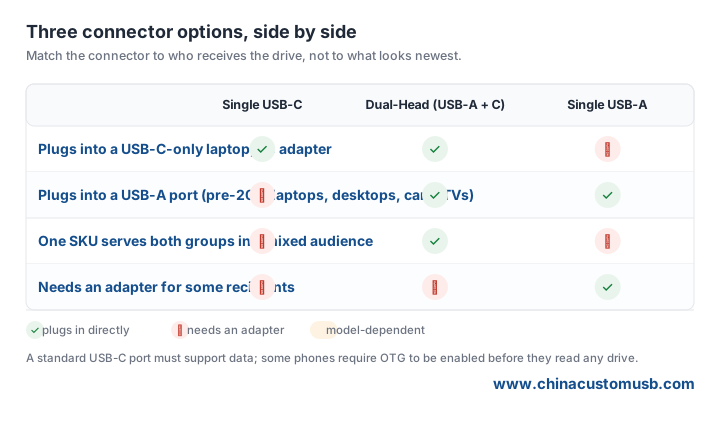
Before choosing a connector, list the devices your audience uses to open the drive. Recent MacBooks and many Windows ultrabooks ship with USB-C ports only — no USB-A at all. Most desktop towers, nearly all cars built before about 2020, and the majority of smart TVs and office printers still use USB-A. On the phone side, iPhone 15 and later use USB-C, and most Android phones use USB-C but need OTG enabled to read a drive.
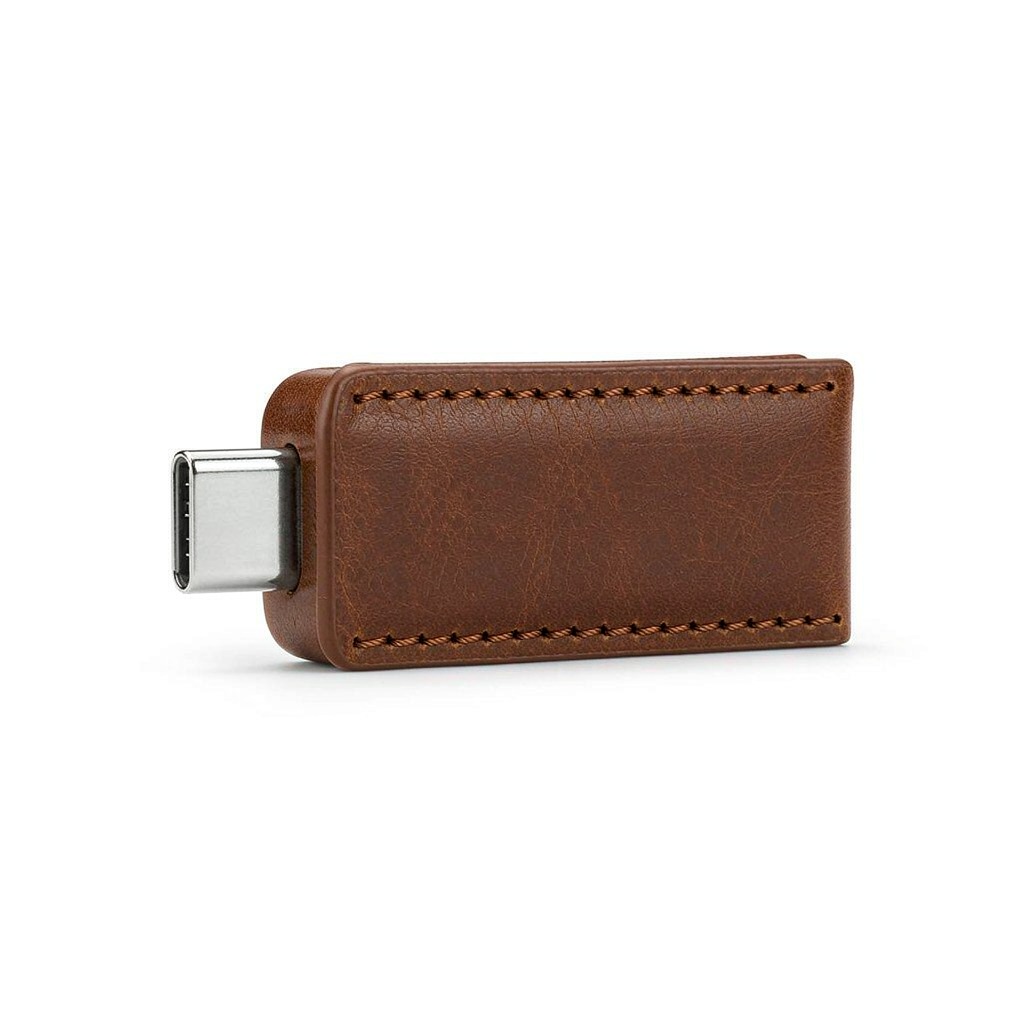
The practical rule: if a meaningful share of recipients use only USB-C devices, a USB-A-only drive strands them. If your audience is mostly legacy hardware, a USB-C-only drive does the same in reverse. The connector decision follows the audience, not the calendar year.
Single Connector vs Dual-Head Drive: Which Failure Costs More
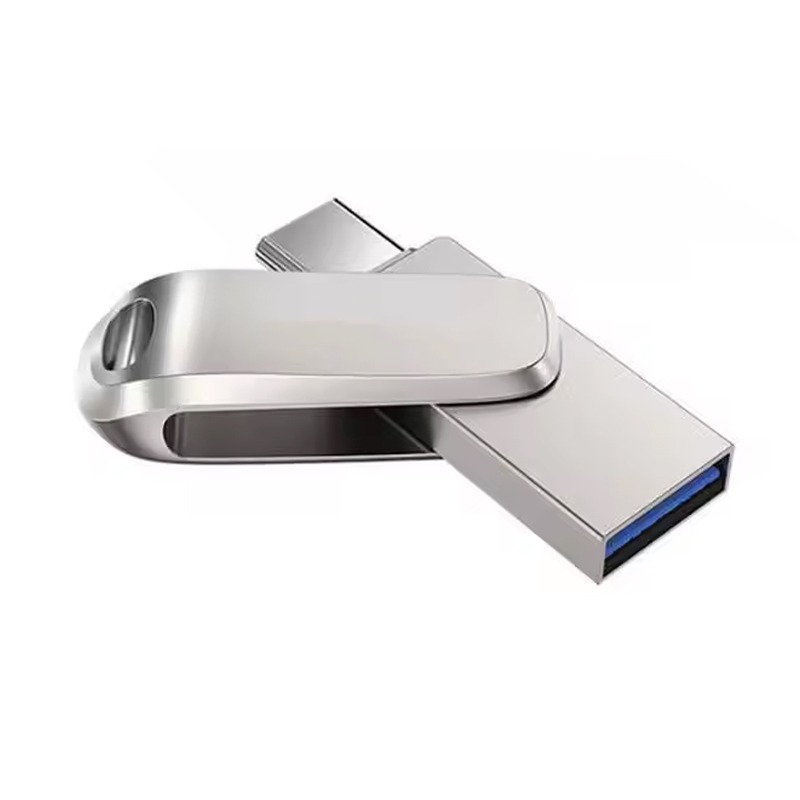
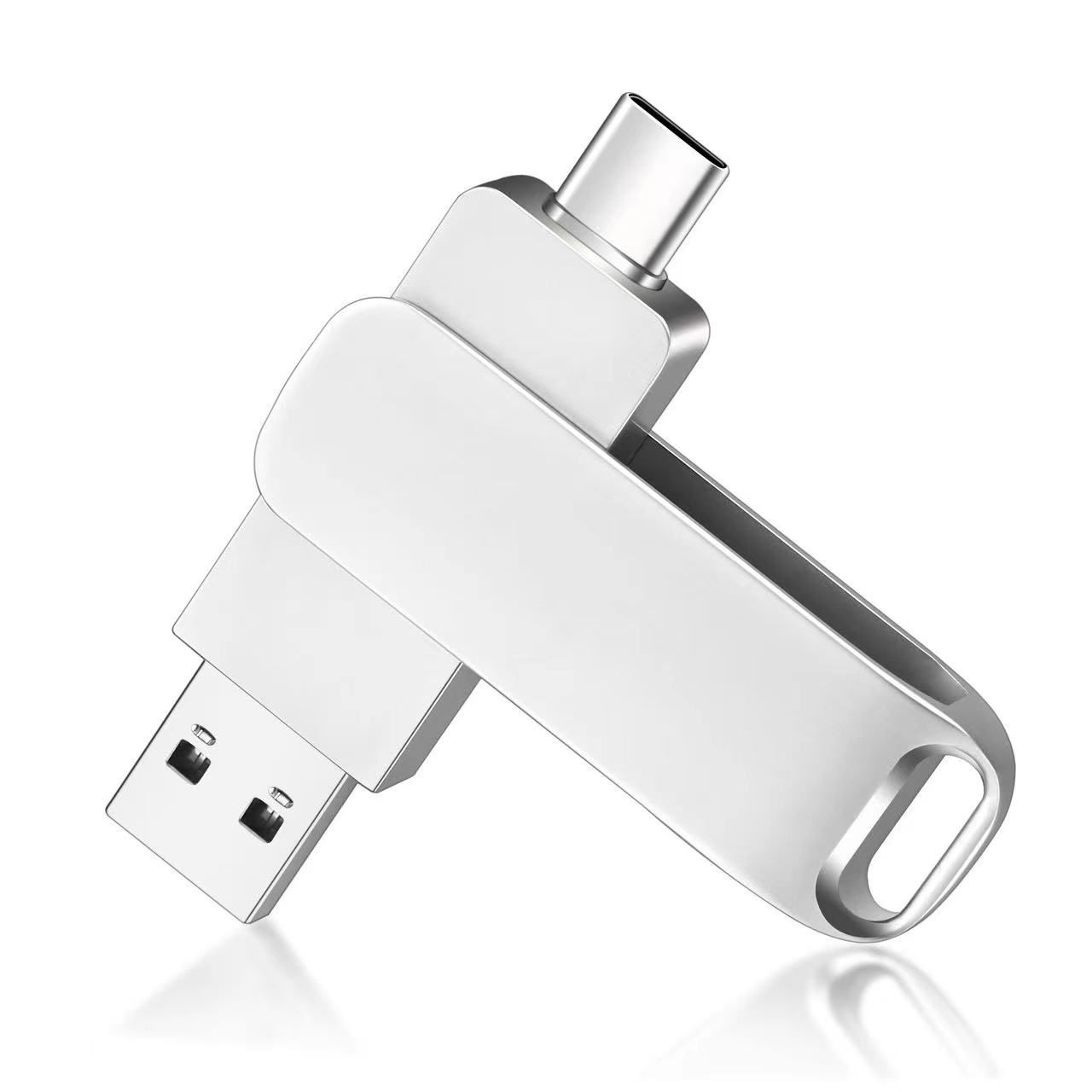
A single-connector drive is simpler and usually cheaper to tool, but it fails in one specific way: the moment a recipient lacks that port, the drive is useless without an adapter they may not own. A dual-head drive carries a USB-A plug on one end and a USB-C plug on the other, so the same body fits both worlds.
The failure that matters in a bulk order is not the drive breaking — it is the drive being the wrong shape for the person holding it. A dual-head unit removes that risk for the entire audience with one SKU. For a recipient mix that spans old and new hardware, the dual-head option is the safer default, even when the unit cost is slightly higher.
Will Your Preloaded Files Open on a USB-C-Only Laptop
The connector decides whether the drive plugs in; the file system decides whether the files are readable. A USB-C-only laptop running current macOS or Windows reads FAT32, exFAT, and NTFS without issue, so preloaded documents, PDFs, and video generally open as expected. The catch is the file size, not the port: FAT32 cannot store a single file larger than 4GB, so a long 1080p video or a large installer will not copy onto a FAT32-formatted drive regardless of the connector.
For mixed-device bulk orders we default to exFAT when the content includes large video files, and to FAT32 only when the drive must also work in car head units or industrial readers that ignore exFAT. Tell us the largest single file in your preload and we will format accordingly before packing.
Where USB-A Still Wins
USB-C gets the attention, but USB-A remains the safer choice for several bulk-order scenarios. Car head units, factory-floor readers, and most conference-room TVs only accept USB-A. If your recipients are event attendees plugging a giveaway into a hotel TV, or field staff loading files onto older industrial controllers, USB-A is the connector that actually fits.
USB-A drives are also the more proven form factor for molded, cap-less bodies and for keyring or lanyard accessories that ride on a badge. When the audience is overwhelmingly legacy hardware, choosing USB-A is not old-fashioned — it is the choice that guarantees the drive fits the port in front of them.
What to Confirm on the Quote Before Tooling Starts
Before we cut a mold or print a logo, confirm four points on the quote. First, the connector mix: single USB-C, single USB-A, or dual-head, matched to your audience survey. Second, the preload file system, tied to your largest single file. Third, the body style and any cap-less or keyring requirement, since that affects which connector options are available. Fourth, the sample policy — we send a preloaded sample in the exact connector you plan to order so you can test it on a real USB-C-only laptop and a real USB-A device before the full run.
A five-minute check on these four points prevents the most expensive failure in custom USB work: a finished, branded, preloaded order that a share of recipients cannot physically plug in.
Send us your audience mix and unit count, and we will quote two configurations side by side plus a free preloaded sample in the connector you plan to order.
Need custom USB drives for your next project?
Factory-direct pricing, free digital proof and a 7-day sample turnaround.
Get a free quote