Inside PVC USB Molding: From 3D Mockup to Finished Body
Most buyers who ask for a PVC drive assume the hard part is the artwork. It is not. The hard part is that a PVC body is a moulded object, so every decision made on a flat file becomes geometry, and geometry cannot be revised by email after the tool is cut. The realistic sequence from logo to finished body is seven steps, and three of them need your signature.
Here is what each step involves and what we need in hand before the mould is machined.
Why PVC and not ABS or silicone
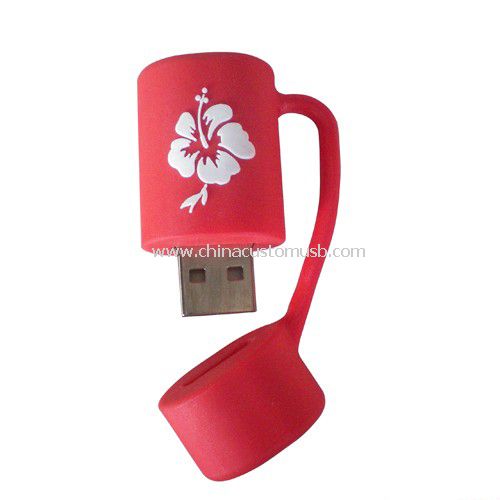
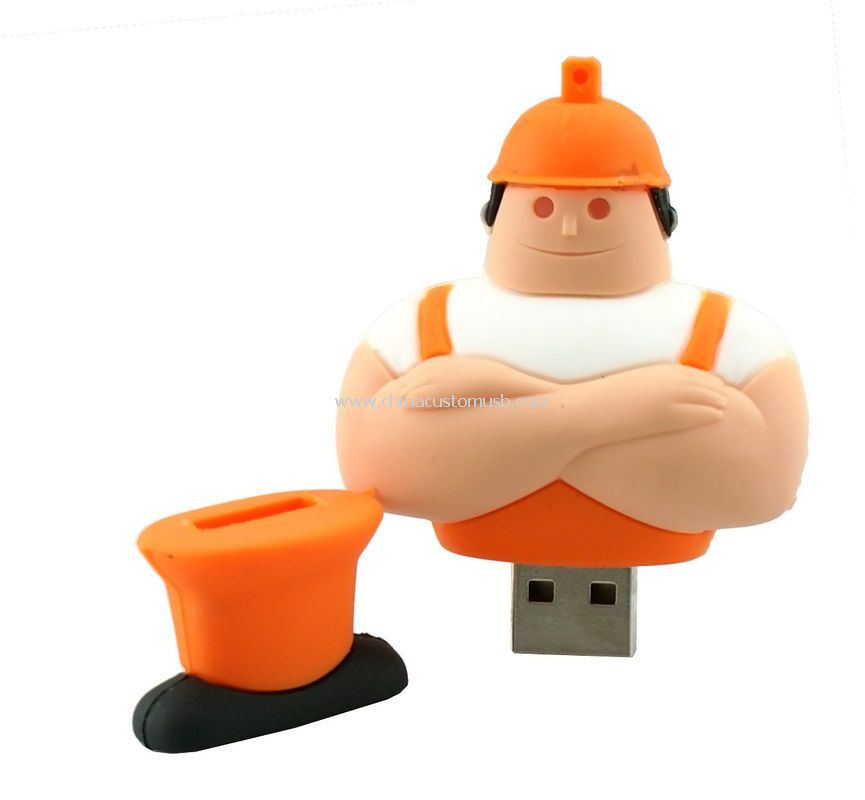
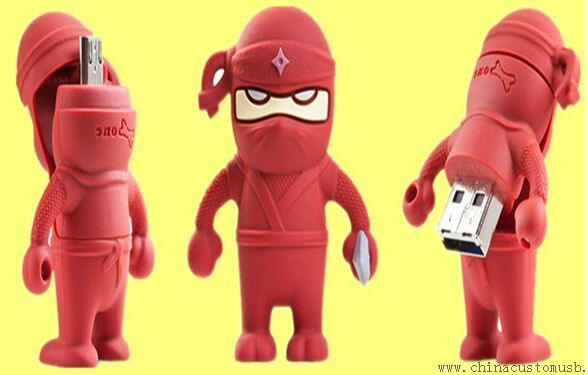
PVC is the material that lets a drive be an object rather than a brick. Three properties drive the choice: it moulds into compound curves and undercuts that ABS cannot release from a simple tool; it takes pigment through the whole wall, so a scratch shows the same colour underneath instead of a white streak; and its tooling is cheaper than die-cast metal or machined aluminium, which is why a fully custom silhouette is affordable at promotional volumes rather than only at gift-box volumes. Most custom PVC USB drives in the catalogue are therefore mascots, product replicas or brand characters.
Its limits matter too. Soft PVC softens with heat, so it is a poor choice for a car dashboard or a container parked in Gulf sun. It also picks up dust and, in light colours, ink from bags. For an indoor launch kit that is fine; for a product that lives in a vehicle, specify ABS or metal.
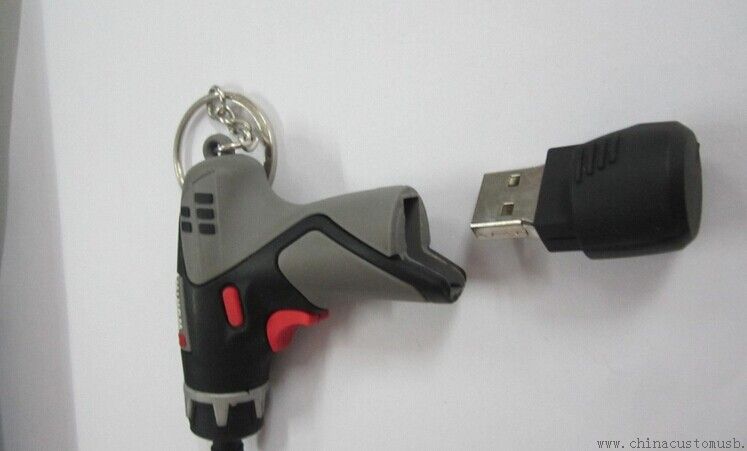
The form is the whole point of the spend. A drill-shaped body or a character body exists only because a tool was cut for it, which is why the mockup deserves more attention than the logo file.
Steps 1 and 2: artwork review, then the 3D mockup
Step 1 is a review of what you sent, and it is shorter than most buyers expect. We need vector artwork, text converted to outlines, and a clear statement of which part of the logo is allowed to move. A JPEG screenshot of a logo is not a file we can cut a tool from.
Step 2 is the mockup: your logo rendered onto the actual body shape, in the actual colours, from two or three angles. This is the first of the three sign-off points. Approve it against these questions, not against how attractive it looks:
- Is the printable flat area large enough for the smallest text in your logo?
- Does the logo wrap across a curve? If it does, it will distort, and the mockup should show that distortion rather than hide it.
- Is the connector end where you expect it, and does the body still sit flat when plugged in?
- Is the USB port reachable on the device your audience actually uses?
Change requests after this point are the expensive kind, because they turn into tool edits or a second tool.
Steps 3 and 4: cutting the tool and shooting first samples
Step 3 machines the mould. For PVC this is usually an aluminium or steel cavity cut on a CNC, then polished where the surface is visible; deep undercuts need a slider, which is why a handle costs more than a smooth silhouette. Multi-cavity tools cost more up front and pay back on unit price at volume — that trade-off is decided here.
Step 4 is the first shot: the tool is run, a handful of bodies come out, and they get assembled with the PCBA so you can hold one. First shots are where the honest problems appear — flash on a seam, a colour that reads darker than the mockup, a logo that sits 1mm off-centre. Expect to reject the first shot sometimes; that is cheaper than rejecting a shipment.
This is why samples take roughly 5 to 7 days after mockup approval, and not because anyone is slow: tool machining, compound preparation, a shot, assembly, and a courier handover. Compressing it means skipping the shot you are about to approve.
Steps 5 and 6: colour matching and where the logo goes
Step 5 sets colour. The mistake to avoid is approving colour from a screen or from a Pantone coated chip. Soft PVC has a matte, slightly translucent surface, so the same Pantone reference reads darker and duller in moulded PVC than on a coated paper swatch. Approve against a physical PVC colour chip or the actual shot, and look at it under daylight rather than office lighting.
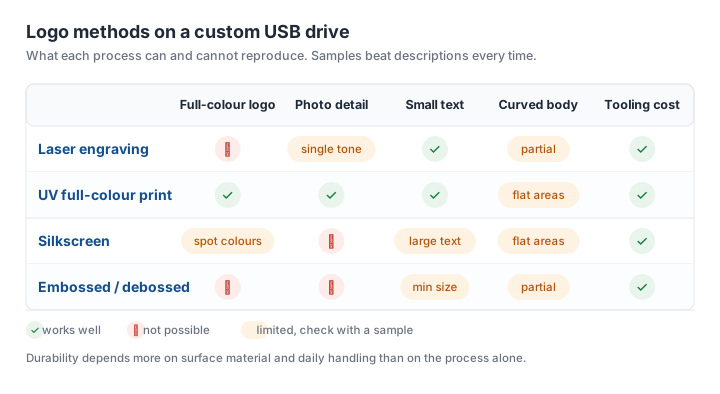
Step 6 applies the logo, and the process has to match the geometry. Print on a flat face is straightforward; print across a tight curve is not. The matrix below is the version we send to buyers who ask why their four-colour logo cannot be laser-marked.
One point worth stating plainly: laser engraving is a poor fit for PVC. The material contains chlorine, and laser energy chars it rather than producing a clean mark, with fumes that are unpleasant to work around. On PVC the mark is printed, pad-printed, or moulded in as a raised or recessed shape. On aluminium and anodised metal, laser is the durable choice.
Step 7: chip test, capacity check and packing
The body is the visible half of quality control. The invisible half is the flash and the controller inside it, and the failure that hurts most is a drive that reports 64GB but corrupts data past 8GB. That defect is detectable before shipping and invisible to a visual inspection, so the test has to be a real write-verify pass: h2testw on Windows or f3 on macOS and Linux writes files across the whole addressable space and reads them back. A batch that passes a copy-paste test has not been tested.
Packing is part of the same step because it is where PVC bodies get damaged. Individually bagged drives in a divided master carton survive courier handling; loose drives in a single poly bag arrive with scuffed faces and bent connectors.
What we need from you before the mould is cut
Six items, in this order: vector artwork with outlined text; the colour reference as a code plus, if you have one, a physical sample; the target capacity and whether preloading is included; the packaging format; the quantity, and whether it is a one-off or a repeat programme; and the date the boxes must arrive.
That last one drives everything else, because a custom PVC body is the longest-lead item in a promotional order and the one thing that cannot be expedited by paying for faster freight. If the event date is fixed and close, a stock body with a printed logo is the honest recommendation — and we will say so before the tool is cut rather than after.
Send the artwork and the target date, and we will come back with a 3D mockup of your logo in PVC plus the tooling and unit cost at your quantity. Request a free 3D mockup of your logo in PVC.
Need custom USB drives for your next project?
Factory-direct pricing, free digital proof and a 7-day sample turnaround.
Get a free quote